International travel has never been easier or more affordable. With these five apps at your disposal, you will navigate a city like you live there. Leave that big travel guidebook at home; a cell phone with an international data plan is the only thing you need to have a great vacation.
Go Euro
If you are planning a multi-city trip, Go Euro is a must-have. This app will show you the cheapest and fastest ways to travel by bus, train, or plane between any two cities. You can easily compare cost and travel times, so that you can make the best decision based on your budget and itinerary. You may be surprised to find that traveling by bus is the best option. Bus tickets are typically half the cost of train tickets, and for many journeys the travel times are comparable. Most of these buses (for example, Flixbus) are quite comfortable, and come equipped with wifi and an onboard toilet. For longer journeys of four hours or more, it’s worth the extra money to travel by train or plane.
Once you’re ready to purchase, you can buy your tickets directly through the Go Euro app, or the app will direct you to a website where you can make your purchase.
Rick Steves Audio Europe
I am a huge fan of Rick Steves and his travel guides. Before your trip, I recommend you visit your local library and checkout his travel books and DVDs. You’ll also want to download this app, because not only is it incredibly informative, it’s also completely free. There are many audio files here if you want to learn some European history, but the true gem of this app is the guided walking tour. Put on some earbuds, lace up your walking shoes, and hit the streets. As you walk around the city following his directions, Rick Steves will be describing everything you’re seeing. You’ll also learn some useful travel tips and cultural insights. If you happen to stray off course, a map is included, but I find their directions to be very straightforward. This app also has the potential to save you some cash—use it in lieu of guided tours that charge a fee.
When I was in Venice, I listened to his “Grand Canal Cruise” while taking the vaporetto (public waterbus). The app told me when to pause and play as the vaporetto made its stops, and the audio matched up perfectly with what I was seeing. This was a much cheaper alternative to a guided boat tour.
You should download your walking tours in advance, and please always stay aware of your surroundings (and potential pickpockets) while using this app.
Google Translate
While you could travel throughout Europe and never have to speak anything other than English, that doesn’t mean you should. Learn how to say these simple phrases in the local language: “thank you,” “hello,” “goodbye,” “please,” “excuse me,” “may I have…,” and “do you speak English?” You’ll be surprised how much friendlier and more helpful a person may be because you took the time to learn a little of their language—most tourists do not.
There are many translation apps out there, but I prefer Google Translate. It can translate from text, audio, and photos. You can even speak to the app in English, and it will translate and “speak” your query back to you in whatever language you choose. This can help you with your accent if you are really struggling to communicate. Before your trip, download for offline use any languages you may need.
My Currency Converter
Exchange rates can change daily, so staying up-to-date on current rates is essential. Do not trust exchange rates offered by shop owners or ATMs. Shops will always give you a bad exchange rate, so pay in the local currency whenever possible. When withdrawing money, always know the amount you want to withdraw (in euros and dollars) before approaching the ATM. When you withdraw money from an ATM, you can accept the exchange rate provided by the ATM or the rate provided by your bank. If the ATM offers an exchange rate, always decline it. Their exchange rates are outrageous and may cost you $20 or more. Your bank will likely give you the best exchange rate, but you may have to try several ATMs before you’ll find one that allows you to use your bank’s rate.
There are many currency apps out there, but I prefer My Currency Converter. This app is free and easy to use, and it updates throughout the day with the most current exchange rates.
Google Maps
If you want to travel as inexpensively as possible, you’ll need to travel by bus, tram, or subway. Google Maps has transit directions for most cities. Once you select your destination, the app will direct you to the nearest station and indicate which bus or train to take, any transfers you need to make, and at which stop you’ll need to depart. The app even lists all the departure times for a particular bus or train at each station, so you’ll know how late the buses and trains run (and how late you can stay out drinking).
Google Maps also has excellent walking directions. Without it, I never would have been able to navigate the maze-like city of Venice. Google Maps is also helpful if you do decide to travel by taxi, at least for your own safety and peace of mind. You’ll know if your taxi driver is going in the right direction or “taking you for a ride.” (Many European cities also have Uber.)
A Note About International Data
If you don’t already have an international data plan, I strongly recommend you purchase one before your trip. Even though most cafes have free wifi, life doesn’t always go as planned and you’ll need the ability to make alternate travel plans on the fly. Some cell phone providers already include international data in their standard plans, so check with your provider before you purchase anything. I have a basic T-Mobile plan, and it includes free unlimited international data at 2G speeds and unlimited texting (phone calls are typically $.20 to $.30 per minute). While my plan guarantees 2G speeds, I usually receive 3G or 4G when I am abroad.
What other apps do you use on your travels? I’d love to hear your suggestions in the comments!
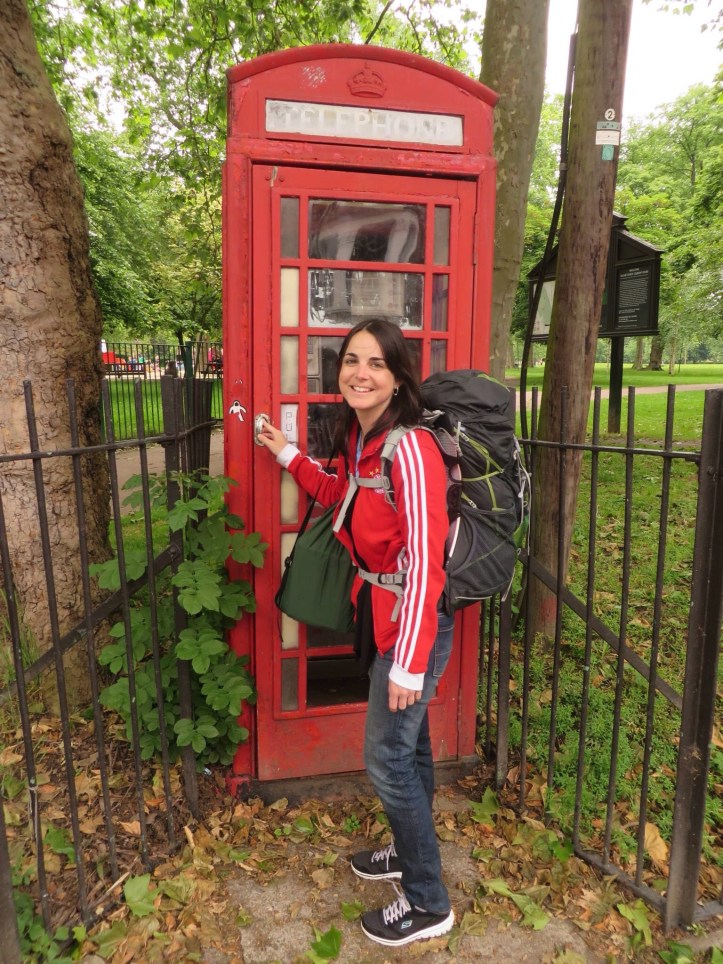
Backpacking in London, June 2014.

